

Instrumental
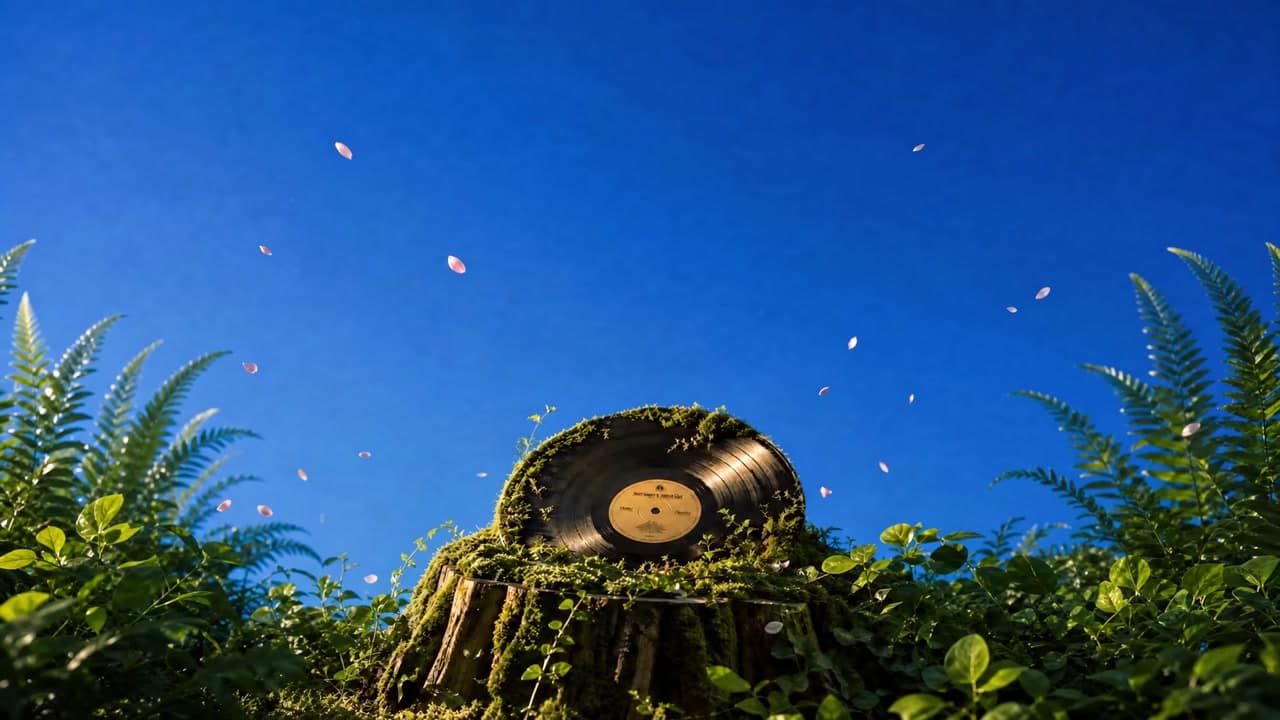
Midnight Drive
Lo-fi Hip-hop
Warm electric piano, dusty drums, mellow bass, and a relaxed late-night feel.
New accounts get 5 free credits = 1 complete song requestClaim now
Turn an idea, music prompt, or your own lyrics into a complete track with MiniMax Music 3.0. Describe the sound you want, choose vocal or instrumental music, and generate a track built around your genre, mood, instruments, and creative direction. The MiniMax Music workflow keeps the process simple from the first idea to the finished result.
Keep It Simple
MiniMax Music 3.0 works best when the main creative decisions stay easy to see. Keep the music prompt, lyrics, vocal or instrumental choice, and generated result close together so you can understand what produced each version.
That also makes the MiniMax Music 3.0 workflow easier to repeat. Instead of rebuilding the idea from scratch, change the setting that matters, generate another track, and compare the results while the original direction is still clear.
Listen First
Music is easier to judge by listening than by reading a feature list. These MiniMax Music 3.0 examples show how different prompts can lead to different vocals, instruments, moods, and arrangements. Play a track first, then open its prompt when you want to understand the creative direction behind the result.
Midnight Drive
Lo-fi Hip-hop
Warm electric piano, dusty drums, mellow bass, and a relaxed late-night feel.
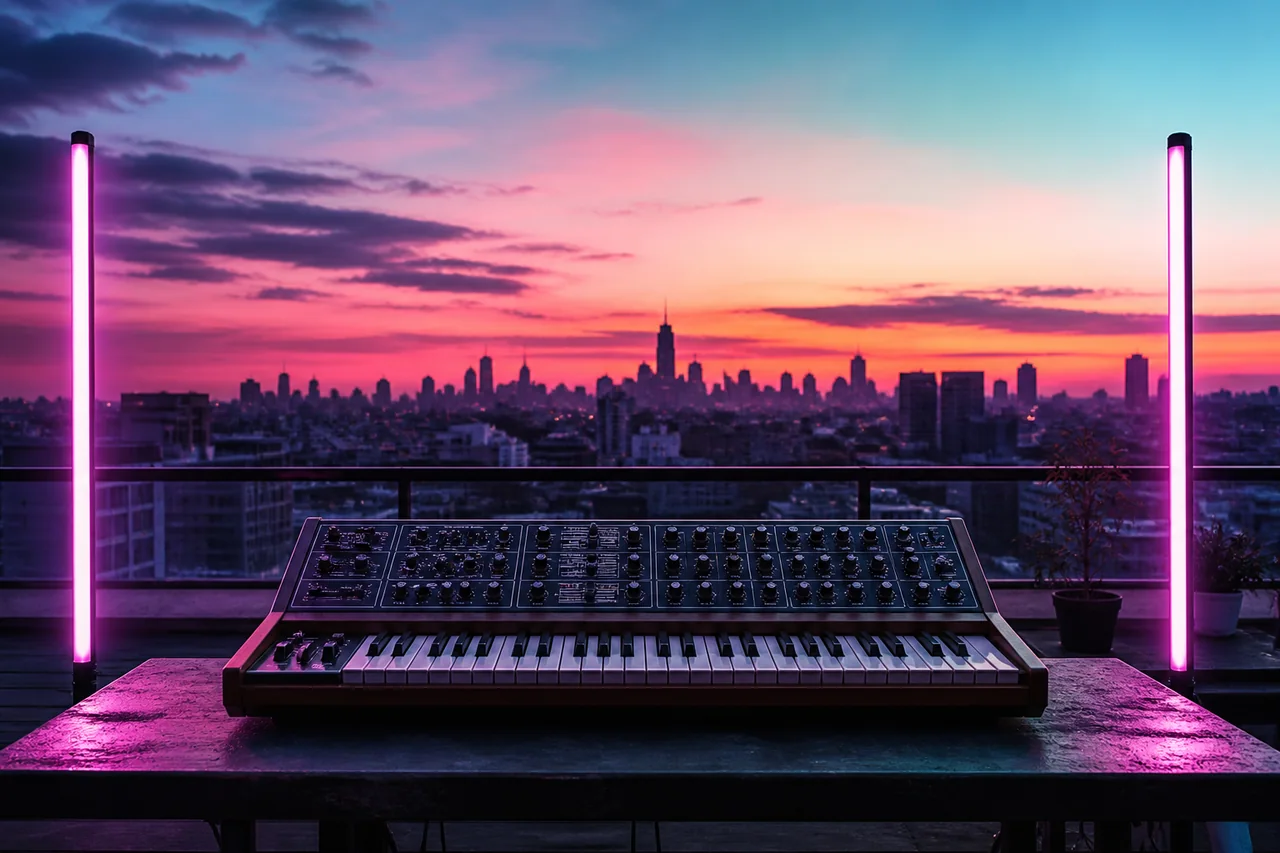
Neon Sunrise
Synthwave
Driving retro synths, bright drums, and a soaring vocal hook with an anthemic lift.

Golden Hour
Acoustic Pop
Fingerpicked guitar, soft piano, and an intimate vocal arrangement that opens gently into the chorus.

Deep Currents
Cinematic
A restrained cinematic build with low textures, rising tension, and a wider final section.
Start Your Way
You do not need a finished song before using MiniMax Music 3.0. Start with whatever part of the idea already exists. That might be a simple description of the sound you want, a rough concept, or lyrics you have already written.
Describe the genre, mood, energy, instruments, or scene you have in mind. MiniMax Music 3.0 can turn that direction into something you can hear, making this a useful starting point when the sound is clearer in your head than it is on a timeline.
Explore Text to MusicAlready have verses, a chorus, or a complete lyric? Add the words you want sung and use the music prompt to describe how the track should feel. MiniMax Music 3.0 can use those two inputs together while keeping the lyrics and musical direction easy to manage.
Explore Lyrics to SongChoose Your Sound
MiniMax Music 3.0 supports two straightforward ways to build a track. Choose vocal music when the voice and lyrics are part of the idea, or choose instrumental music when you want the arrangement to carry the track on its own.
Use vocal mode when you want sung lyrics, a lead voice, and a full song arrangement. Give MiniMax Music 3.0 clear direction for the vocal character, genre, emotion, and instrumentation instead of mixing every instruction into the lyric itself.
Explore Text to MusicChoose instrumental mode when the music needs to work without a singer. MiniMax Music 3.0 can follow direction for rhythm, mood, instrumentation, structure, and production style, making it useful for both standalone tracks and music designed to support another project.
Explore Instrumental PromptsMade for Real Projects
A good track needs to fit what you are making. MiniMax Music 3.0 gives you a way to describe that purpose before generating, whether you are testing a song idea or creating music to support visual, interactive, or spoken content.
Test a chorus, lyric, genre, or arrangement before committing to production. A MiniMax Music 3.0 track can also work as an early creative reference before you move into a more detailed production process.
Create music that follows the pace, emotion, and visual role of an intro, product story, explainer, trailer, or longer scene.
Shape compact musical ideas for short-form edits, creator posts, campaigns, and other content that needs a clear identity quickly.
Prototype themes for environments, characters, menus, encounters, and story moments with a defined mood and instrumental palette.
Generate restrained instrumental beds that support speech, establish atmosphere, and leave enough space for narration.
Hear the same concept as acoustic pop, electronic music, R&B, cinematic scoring, rock, ambient music, or another direction.
Refine Your Track
The first MiniMax Music 3.0 result does not have to be the final one. Listen for the part that changes your impression of the track most, then adjust that part of the direction instead of rewriting everything at once.
If the voice feels wrong, refine the vocal style. If the track feels too calm or too aggressive, adjust the mood and energy. If the arrangement feels crowded, simplify the instrumentation. Small, focused changes make MiniMax Music 3.0 results easier to compare from one generation to the next.
How It Works
You can start a MiniMax Music track without learning a complicated production workflow. Keep the first version simple, listen to what the model creates, and add more detail only when it helps communicate the sound you want.
Tell MiniMax Music 3.0 what you want to hear. Start with the genre, mood, main instruments, vocal character, energy, or production direction that matters most.
Add your own lyrics when you want a vocal song, or choose instrumental mode when the arrangement should work without a singer.
Send the direction to the MiniMax Music generator and let it turn the creative brief into an audible track.
Play the result and decide what should stay or change. Update the direction when needed, then create another MiniMax Music 3.0 version to compare.
Pricing
Choose a credit pack based on how often you plan to generate and refine MiniMax Music tracks. Start with the option that fits your current project and add more credits when you need them.
Loading current credit packs…
FAQ
MiniMax Music 3.0 is an AI music generation model that turns written creative direction and optional lyrics into music. You can describe the genre, mood, instruments, vocal style, and overall feel you want, then generate a track from that direction.
You can use MiniMax Music 3.0 for vocal songs, instrumental tracks, demos, background music, video projects, game concepts, and other creative ideas. The best starting point is a clear description of what the finished track should sound and feel like.
Yes. Add your own lyrics when you want a vocal song and keep the music prompt focused on the sound of the track. MiniMax Music can then work with the lyrics while following your direction for genre, vocals, instruments, mood, and arrangement.
Yes. Choose instrumental mode when you do not want a sung vocal. Give MiniMax Music 3.0 clear direction for the atmosphere, rhythm, instrumentation, energy, and structure you want the track to follow.
Start with the most important musical choices instead of a long list of keywords. Describe the genre, mood, instruments, vocal character, energy, and any major arrangement changes you want. For more detailed guidance, use the dedicated MiniMax Music prompt guide.
No. MiniMax Music 3.0 can start from plain-English creative direction, so you do not need to know professional production terminology. Begin with the sound you want and add more specific musical details only when they help explain the result.
Yes. If a MiniMax Music result is close but not quite right, change one or two important parts of the direction and generate again. Comparing focused variations can make it easier to decide which vocal, mood, instruments, or arrangement works best.
Use the Prompt Examples page to listen to different MiniMax Music 3.0 tracks and see the creative direction behind them. The examples are kept on a dedicated page so the homepage stays easy to scan without loading a large collection of full prompts.
Start with one clear idea. Tell MiniMax Music what type of track you want, add lyrics if you have them, choose vocal or instrumental mode, and generate the first version. Listen before adding more detail so you know what actually needs to change.
Start Creating
Bring an idea, a music prompt, or your own lyrics and turn that direction into something you can hear. Start a new MiniMax Music 3.0 track, listen to the result, and refine the parts that matter most.