
MiniMax Music 3.0 vs Suno: Which AI Music Generator Should You Use?
A side-by-side look at how MiniMax Music 3.0 and Suno handle prompts, lyrics, vocals, song structure, and creative workflow — and which one fits your project.
· Independent editorial comparison
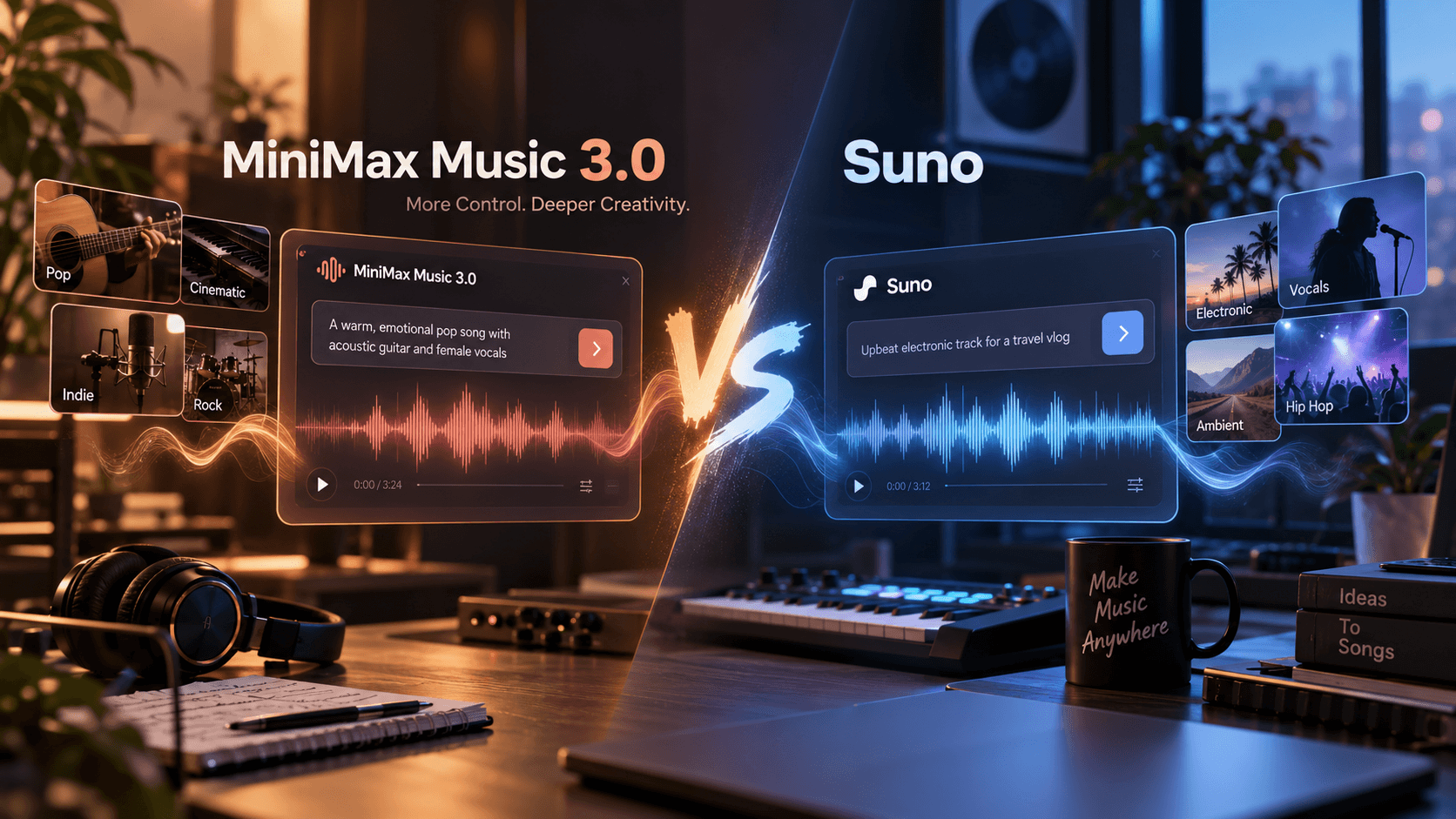
Two capable generators, two different creative rhythms
AI music generators have moved fast enough that “which one should I use?” is now a practical question for songwriters, video creators, and podcasters. MiniMax Music 3.0 and Suno both turn text into finished tracks with vocals and instrumentation, but they approach prompts, structure, and creative control differently.
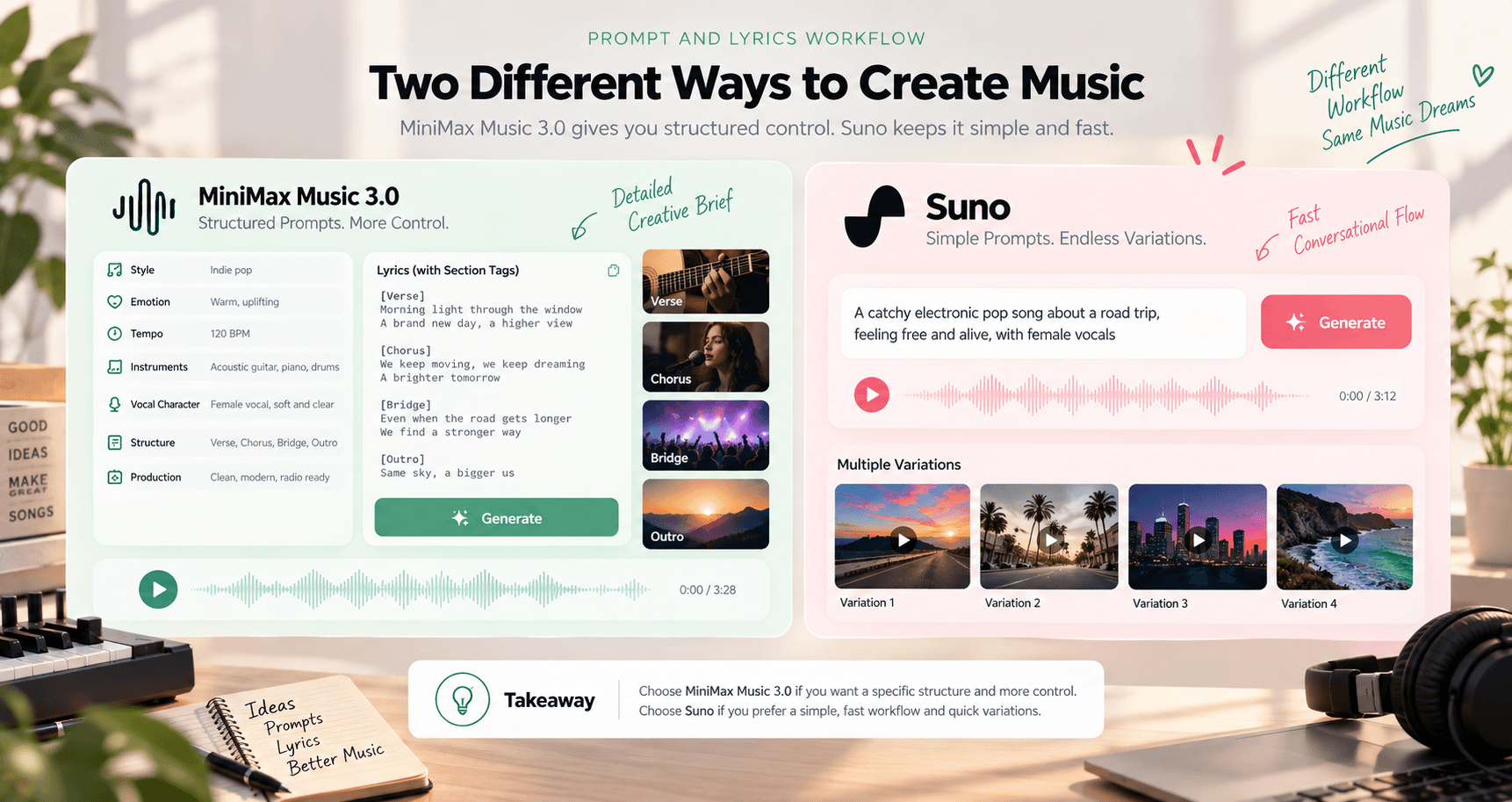
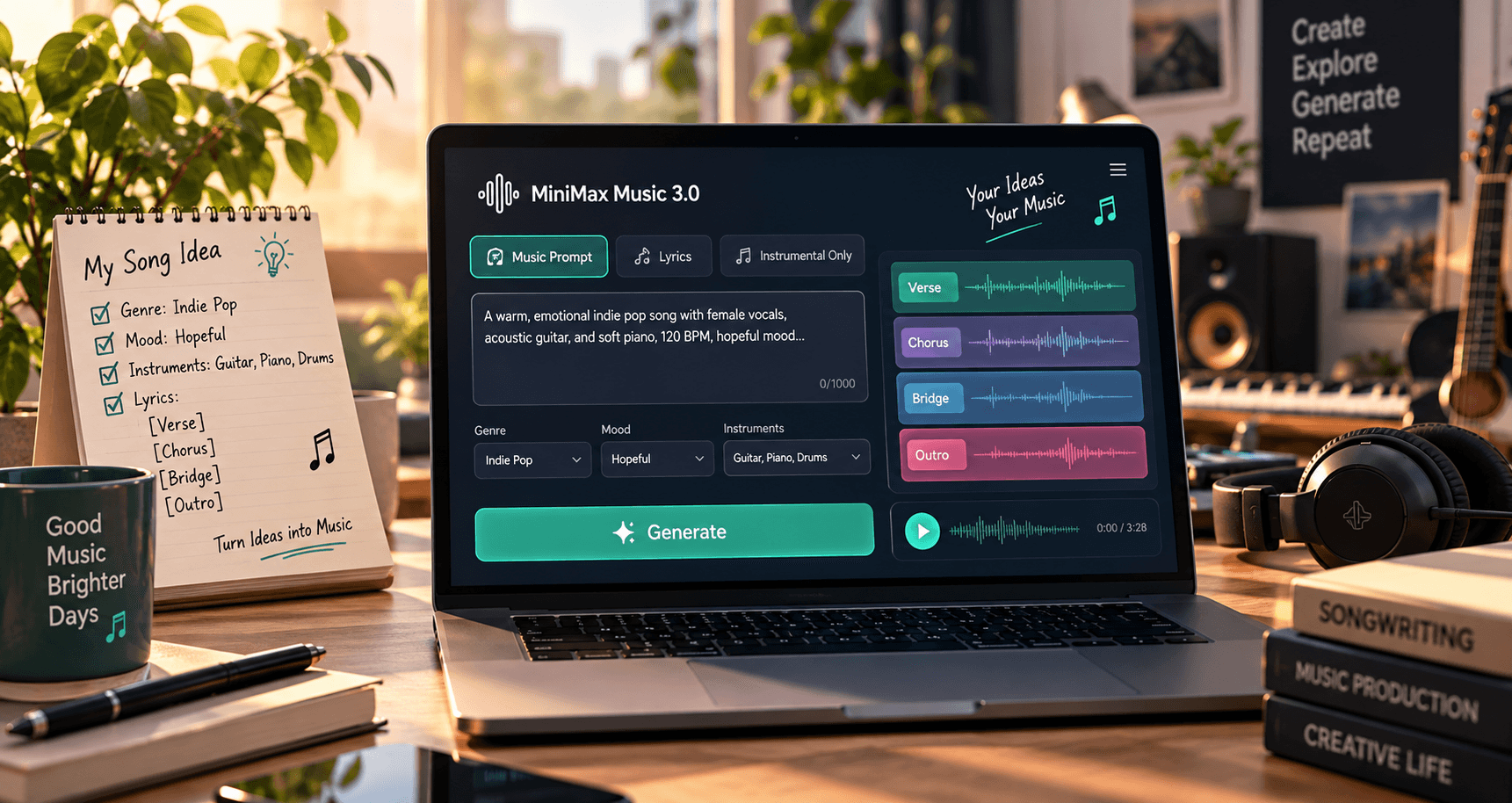
MiniMax Music 3.0 centers the workflow on a detailed prompt and optional structured lyrics. You can describe genre, mood, instrumentation, vocal character, and production direction, then use the lyrics formatting guide to label sections so the song follows a deliberate shape.
Suno favors a fast conversational workflow. You describe an idea, generate multiple variations, and react to what you hear through extension and refinement.
Both remove the traditional barriers of instruments, recording equipment, and music theory. The key difference is how much structure you define before generation and how much discovery happens afterward.
MiniMax Music 3.0 and Suno at a glance
The central differences from the guide are organized below as accessible page content so every criterion remains readable, searchable, and responsive.
| Criterion | MiniMax Music 3.0 | Suno |
|---|---|---|
| Prompt style | Detailed creative brief covering style, mood, tempo, instruments, voice, structure, and production | Short conversational prompts designed for quick iteration |
| Lyrics workflow | Structured lyrics with labels such as [Verse], [Chorus], [Bridge], and [Outro] | Custom lyrics with a lighter, variation-led workflow |
| Creative approach | Define the intended song shape before generation | Generate several directions, listen, and refine |
| Vocal workflow | Describe vocal tone directly, including intimate, breathy, powerful, or warm | Explore different vocal deliveries through multiple takes |
| Instrumentals | Dedicated Instrumental Only mode removes the need to manage lyrics | Supports instrumental tracks alongside vocal songs |
| Song structure | Section labels reinforce the planned verse, pre-chorus, chorus, bridge, and outro | Extend and regenerate sections over multiple passes |
| Best suited to | Creators who know the structure and production direction they want | Creators who prefer discovering a direction through rapid exploration |
Prompt and Lyrics Workflow
This is where the two platforms diverge the most.
MiniMax Music 3.0 is built around a structured creative brief. A prompt covering style, emotion, tempo, instruments, vocal character, structure, and production gives the model a section-by-section picture of what to generate.
When you add your own lyrics, labels such as [Verse], [Chorus], [Bridge], and [Outro] help the model follow your intended structure instead of guessing.
Suno leans toward a lighter-touch prompt style. A short description is often enough for a usable first result, and iteration is designed to be fast: generate, listen, and try another direction with minimal setup.
Takeaway: If you already know the shape, tempo, and arrangement you want, MiniMax provides a direct way to describe it. If you prefer starting loosely and exploring variations, Suno is designed for that rhythm.
Vocal and Instrumental Modes
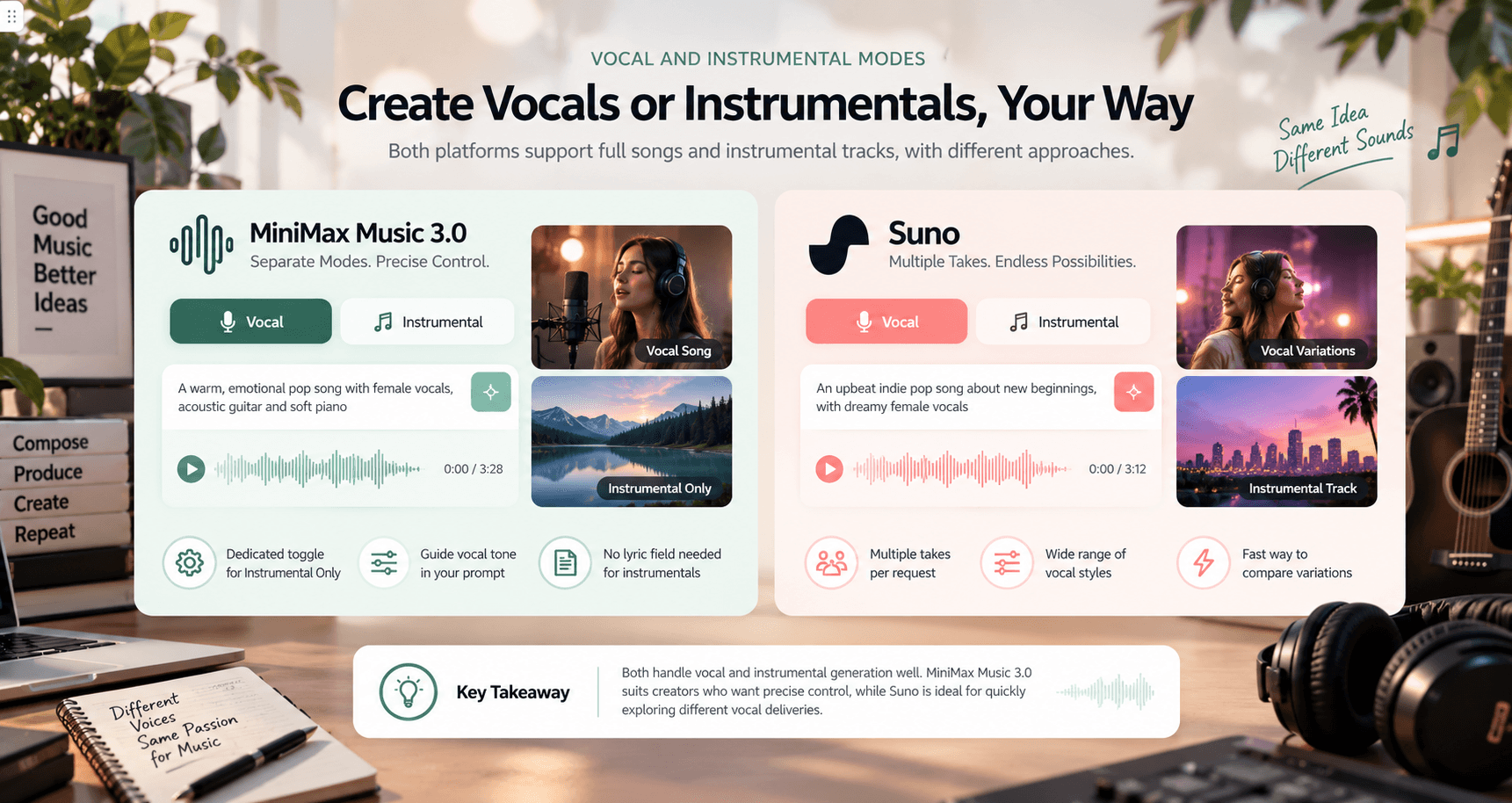
Both platforms support full vocal songs and instrumental-only tracks, but the path to each looks different.
MiniMax Music 3.0 separates vocal and instrumental creation with a dedicated toggle. Instrumental Only tells the model to focus entirely on arrangement, while vocal prompts can specify qualities such as intimate, breathy, powerful, or warm.
Suno also supports instrumentals and a broad range of vocal styles. Its variation-led workflow makes it quick to compare different deliveries of the same idea.
Takeaway: MiniMax suits precise performance direction; Suno suits rapid comparison between several takes.
Song Length and Structure
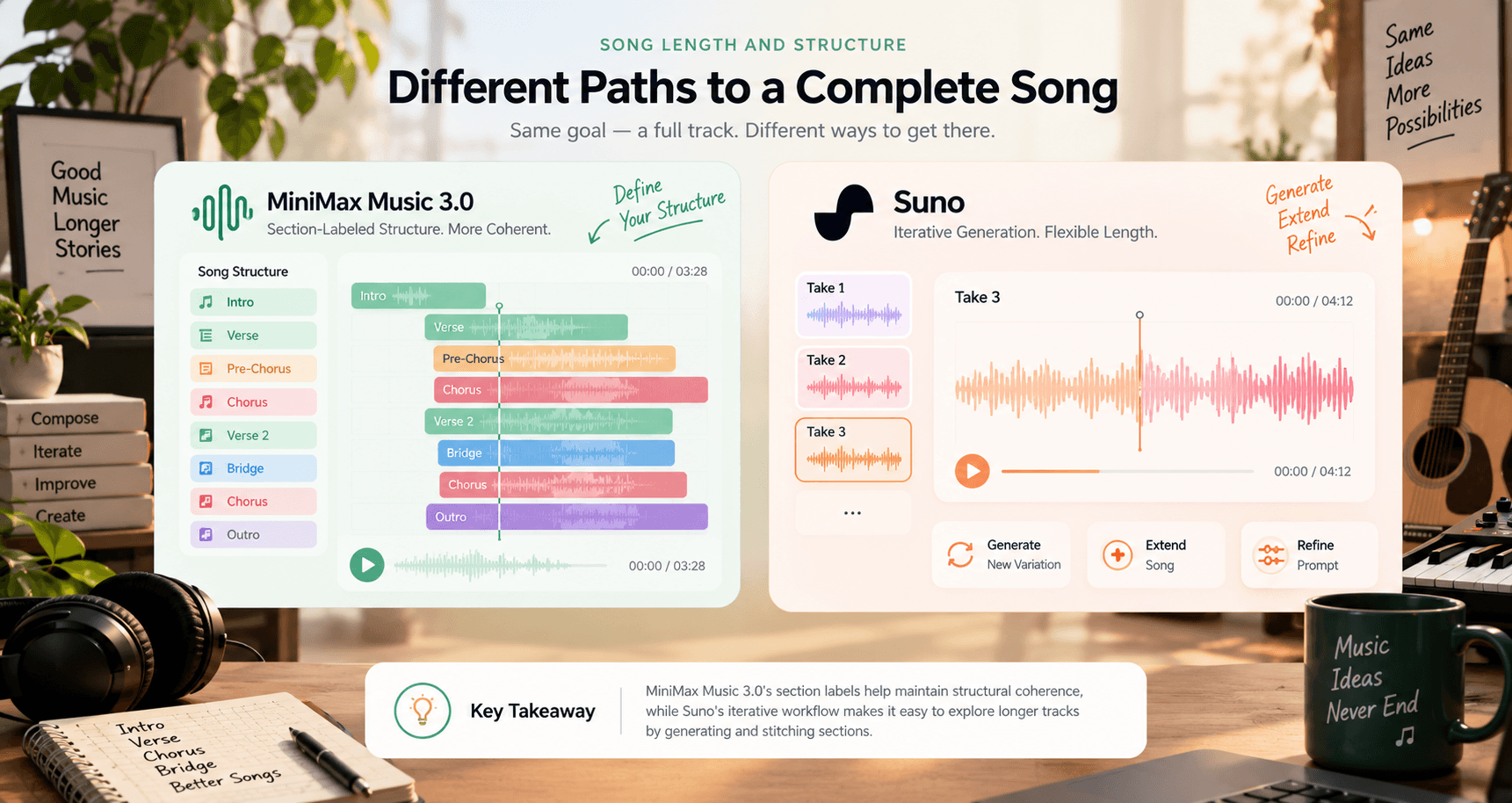
Generation length changes as platforms update their models, so check current specifications before relying on a precise runtime. For most creators, the more important question is whether the song’s structure holds together — whether a verse feels like a verse and a chorus creates a clear lift.
MiniMax Music 3.0 uses section-labeled lyrics to reinforce structural coherence. Suno takes an iterative approach, letting creators build a longer piece by extending, regenerating, and refining sections across multiple passes.
Ease of Use
Both tools work without a music-theory background, but they reward different habits. MiniMax Music 3.0’s compact generator centers on Music Prompt, Lyrics, and Instrumental Only. It asks for more thought about genre, mood, and structure before generation.
Suno is optimized for speed and exploration: a quick prompt gives you options to react to immediately, which suits creators who think through listening and iteration rather than a fully planned brief.
Takeaway: Neither presents a steep learning curve. MiniMax asks for more direction up front; Suno gets you to multiple first listens quickly.
Commercial Use and Licensing
Commercial-use rules, output rights, and copyright terms vary by platform and plan. They can also change as AI music services update their policies.
Before using a track in a monetized video, client project, or other commercial work, review the current Terms of Service for the platform and confirm what your plan allows. As a general practice, follow the prompt guide and describe original musical qualities — genre, mood, instrumentation, and production — instead of requesting the style of a specific artist or song.
Which Should You Choose?
Choose the workflow that matches how you prefer to develop an idea. You do not need one permanent winner for every project.
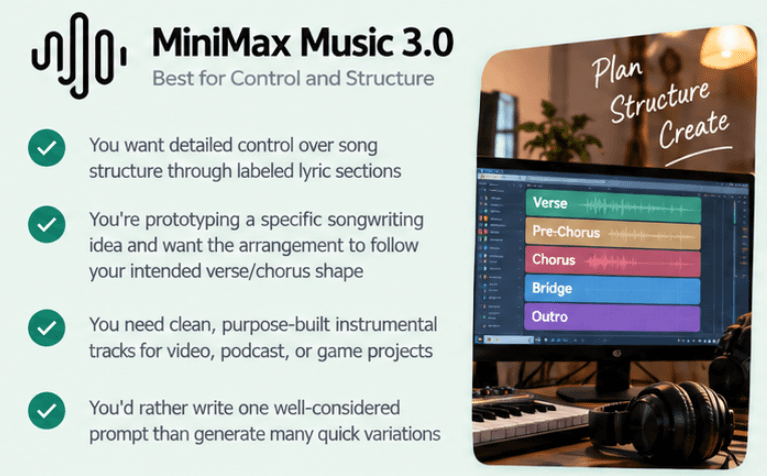
Choose MiniMax Music 3.0 if
- You want detailed control through labeled lyric sections.
- You are prototyping a specific songwriting idea and want the arrangement to follow your intended shape.
- You need purpose-built instrumental tracks for video, podcast, or game projects.
- You would rather write one considered prompt than generate many quick variations.
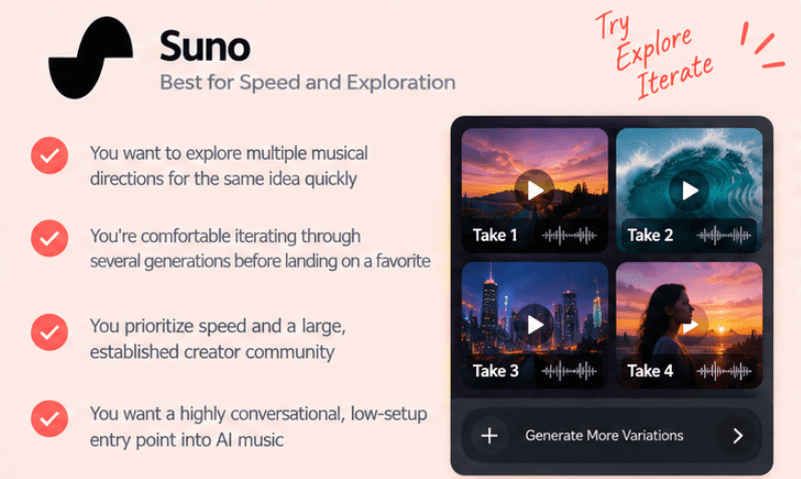
Choose Suno if
- You want to explore several musical directions for one idea quickly.
- You are comfortable iterating through multiple generations before choosing a favorite.
- You prioritize speed and an established creator community.
- You want a conversational, low-setup entry point into AI music.
Many creators use more than one generator depending on the project. After choosing a workflow, browse the complete comparison library when another project needs a closer look.
Frequently Asked Questions
Is MiniMax Music 3.0 better than Suno?
Neither tool is universally better. MiniMax Music 3.0 gives you more explicit structural control through detailed prompts and labeled lyrics, while Suno emphasizes fast, multi-variation exploration. The better fit depends on whether you already know the song structure you want or would rather discover it through iteration.
Can both generate songs with vocals?
Yes. Both platforms support full vocal songs as well as instrumental-only tracks, with different levels of control over vocal character and lyric structure.
Do I need lyrics to generate a song?
Not necessarily. Both platforms can work from a music description alone. MiniMax Music 3.0 can also generate lyrics from a prompt, and both platforms support instrumental generation with no lyrics.
Which is easier for a complete beginner?
Both are designed for people with no music-production background. Suno's fast conversational style may feel more immediate for a first try, while MiniMax Music 3.0 rewards a little more upfront planning with results that map more closely to a defined brief.
Can I use generated songs commercially?
Review each platform's current Terms of Service and the rules for your specific plan before commercial use. Licensing terms differ by platform and can change over time.
Try MiniMax Music 3.0
Bring an idea you already have. Describe the genre, mood, and instruments, add labeled lyric sections if you want vocals, and hear how a structured brief changes the result.
Official sources reviewed
- SunoAI Music Generator
- SunoPricing and plan comparison
- Suno HelpHow to Use: Song Editor